
CCTV installation and surveillance systems

See selected areas as activity happens and keep recordings for later review. Alzarar plans camera views, recording and authorised access around your home, shop or organisation.

A useful camera starts with a useful view

CCTV helps you observe the places its cameras cover and review recorded activity later. It can show a visitor at a gate, activity around a shop counter or movement through a workplace entrance.

A camera cannot show what sits outside its view. That is why Alzarar begins with the areas and events that matter to you, then considers position, lighting, recording and who should be able to access the system.

CCTV can complement an intruder alarm, access control or on-site guards. Recording and staffed monitoring are separate requirements, so we clarify what you need before equipment is selected.

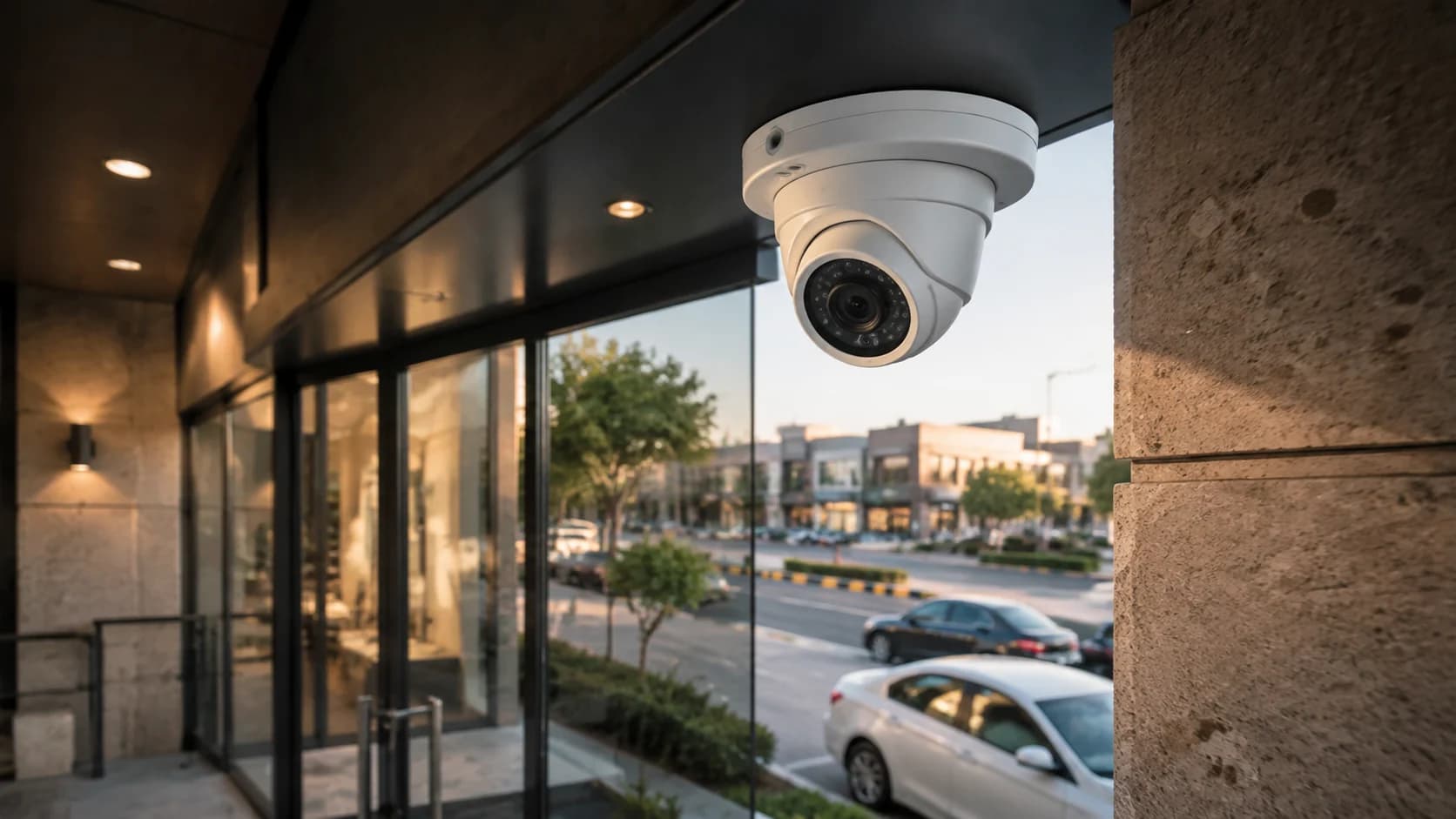
Illustration of a CCTV camera covering a building entrance
Camera positions are chosen around the specific entrances and activity areas the client needs to see.

CCTV for the way your premises are used

The same camera does not solve every problem. The layout, daily activity and people responsible for the system shape the installation.

Homes and residences

Cover selected gates, driveways and entrances so your household can see who is there and review recorded activity. Camera positions are planned around the areas you want to see, the available lighting and how you expect to view footage.

CCTV for homes

Shops and small businesses

Keep useful views of customer entrances, tills, deliveries and stock areas. Recordings can help an authorised person review an incident or check what happened while the owner was elsewhere.

CCTV for small businesses

Enterprises and institutions

Plan surveillance for selected entrances, shared spaces, loading areas and other operational points across one site or several. Access to live views and recordings can be arranged around the people responsible for the system.

CCTV for enterprises

The system parts and decisions we establish before installation

These decisions help turn a list of cameras into a system your authorised users can operate and understand.

What needs to be seen

We start with the event or area you want a camera to show: a visitor at a gate, activity near a counter, movement through an entrance or an incident in a covered work area.

Camera views and lighting

The site visit considers camera position, viewing direction, distance and available light. The proposal should make clear which areas are covered and where a different view may be needed.

Recording and storage

Recording capacity and retention depend on the selected equipment, settings, number of cameras and available storage. We explain how those choices affect the footage kept by the system.

Viewing and authorised access

We establish who needs to view cameras or recordings and where. Remote viewing can be included on compatible equipment with a suitable connection; it is not assumed for every installation.

From survey to CCTV handover

01

Assess

We review the premises, the views you need, existing cameras or cabling, power, connections and the people who will use the system.

02

Recommend

You receive a proposed camera layout, recording arrangement and installation scope, with the main functions and costs explained.

03

Install and test

The team fits and connects the agreed equipment, configures viewing and recording, and checks the available views and operation.

04

Hand over

Authorised users are shown how to view cameras, find recordings and report a fault. Maintenance and support arrangements are explained for the selected system.

Daily use, maintenance and limitations

At handover, users should know how to view the system, find available footage and contact support. Camera views, recording status and time settings should be checked as part of the maintenance arrangement for the installation.

Recorded footage is limited by the camera view, image conditions, equipment settings and storage available. Remote viewing relies on compatible equipment and connectivity. CCTV by itself does not provide an alarm response or a person watching continuously.

Compare technical security systems

CCTV questions

How many CCTV cameras will I need?

The number follows from the entrances and activity areas you need to see, the views each position can provide and any areas that need separate coverage. A site survey is more reliable than selecting a camera count before the layout is understood.

Can I view my CCTV cameras on my phone?

Remote viewing can be configured on compatible equipment with a suitable connection. The proposal should state which app or access method is included, who will be authorised and which functions depend on internet connectivity.

How long will CCTV recordings be kept?

Retention depends on recording settings, camera count, image settings and available storage. Tell us how far back you expect to review footage so an appropriate recording arrangement can be proposed.

Can you use my existing cameras or cabling?

Existing equipment may be reusable, but its condition and compatibility need to be checked. Share model details and known faults so the assessment can identify what can remain and what may need replacement.

Does CCTV include live monitoring?

Not automatically. Local or remote viewing, recording and staffed monitoring are separate requirements. Include live observation in your enquiry if people need to watch selected cameras and follow an escalation procedure.

Plan CCTV around what you need to see

Tell us about your premises, the areas that matter and any equipment already in place. We’ll assess the requirement and explain the proposed camera and recording setup.