
Shops and small businesses
Restrict offices, stockrooms and staff-only areas while keeping customer access straightforward. Permissions can be organised around the people who need each controlled space.
Small-business security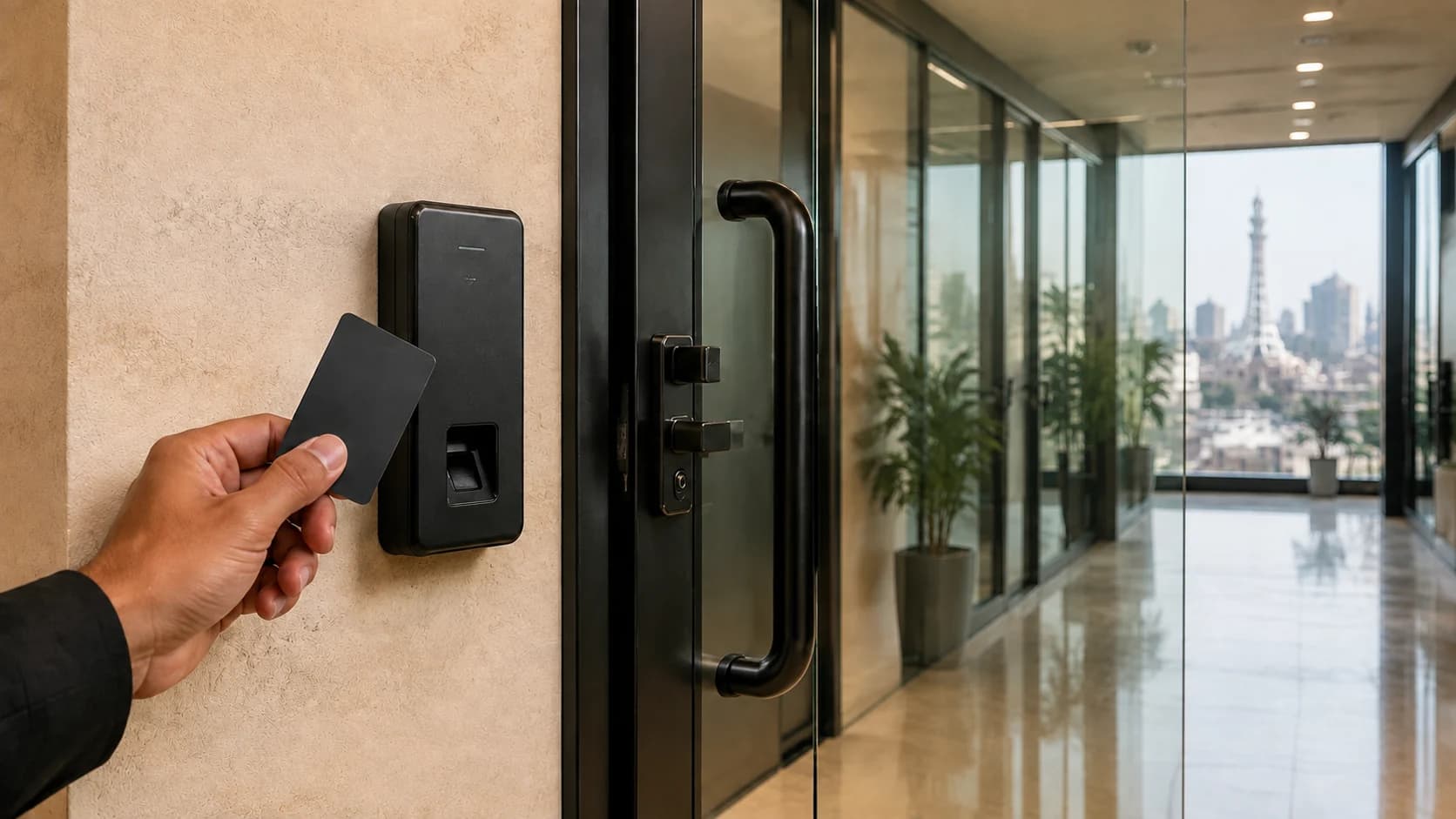
Control entry to selected doors, keep staff-only areas for authorised people and manage attendance functions where required. Alzarar plans the system around your doors, users and administration.
Access control checks a person’s credential before allowing entry through a controlled door. It can help separate customer, visitor, staff and restricted areas without relying on the same physical key for every authorised person.
The system must fit the door as well as the organisation. Alzarar considers the entrance, the people who use it, the credential method, permissions, exit arrangements and the person responsible for administration.
Biometric attendance can add arrival and departure records where that function is required. It should be scoped around the organisation’s attendance process and managed by authorised people.
Start with the spaces that should be controlled and the people who need to use them.
Restrict offices, stockrooms and staff-only areas while keeping customer access straightforward. Permissions can be organised around the people who need each controlled space.
Small-business securityUse controlled doors to separate public, staff and restricted areas. The plan can account for visitors, employees, administrators and changes when roles or access needs change.
Commercial and enterprise securityDefine the doors and user groups needed at each location, then agree how permissions, records and administration will be handled by the organisation’s responsible team.
Multi-site security planningThe reader is only one part. Doors, credentials, permissions and day-to-day administration all affect how the system works.
A card, code, fingerprint or face-recognition reader checks the credential presented at a controlled entrance. The suitable choice depends on the users, environment and administration required.
The reader works with equipment at the door to control entry. Door condition, compatibility and exit arrangements need to be checked before the system is selected.
Authorised administrators manage who can use selected doors. Permissions should reflect staff roles and be updated when someone joins, moves role or leaves.
Biometric attendance can record staff arrival and departure on a selected system. Attendance reporting and door access are related options, but the required functions should be defined separately.
We review the entrances, staff-only areas, existing door equipment, user groups and the people who will administer the system.
The proposal identifies controlled doors, credential types, access permissions, attendance needs and the installation work included.
The team fits compatible equipment, configures agreed users and permissions, and tests operation at the doors in scope.
Responsible users are shown how to manage credentials and permissions, review the available information and report a fault or requested change.
The organisation needs a clear process for issuing, changing and removing access. Responsible users should understand the controls, keep authorised-user information current and know how to report a lost credential, door problem or equipment fault.
Access control manages the doors included in its scope; it does not remove the need for suitable physical doors, visitor procedures or emergency exit arrangements. Operation during a power or connection interruption depends on the selected equipment and system design.
Where biometric information is used, the organisation should decide who administers it and how its internal privacy and attendance responsibilities will be handled.
Compare technical security systemsThe suitable credential depends on who needs access, how often permissions change, the environment at the reader and how the organisation wants to administer users. These requirements should be agreed before equipment is selected.
Suitable systems can assign permissions to authorised users or groups for selected doors. The exact options depend on the system, and an administrator needs to keep those permissions current.
They can use related equipment, but they answer different needs. Access control determines entry at selected doors; attendance records arrival and departure events. State both requirements so the proposed functions are clear.
Existing doors and equipment may be usable, but condition, compatibility, exit arrangements and administration need checking. Share model details and current problems during the assessment.
The organisation’s authorised administrator should remove or change that person’s access promptly. Handover should explain how users and credentials are managed on the selected system.
CCTV can help show activity around an entrance, while guards can apply visitor and delivery procedures. Explore CCTV installation, guarding services or the full technical security overview.
Tell us which areas need controlled entry, who should use them and whether attendance records are required. Our team will assess the doors and explain the proposed system.